-20250819-084018.svg)
License management is only accessible when you are using Optimizer with either an evaluation license or no active license
If you need to manage your license status, you can do so from the License Management page. It is located towards the bottom of the Optimizer navigation menu.
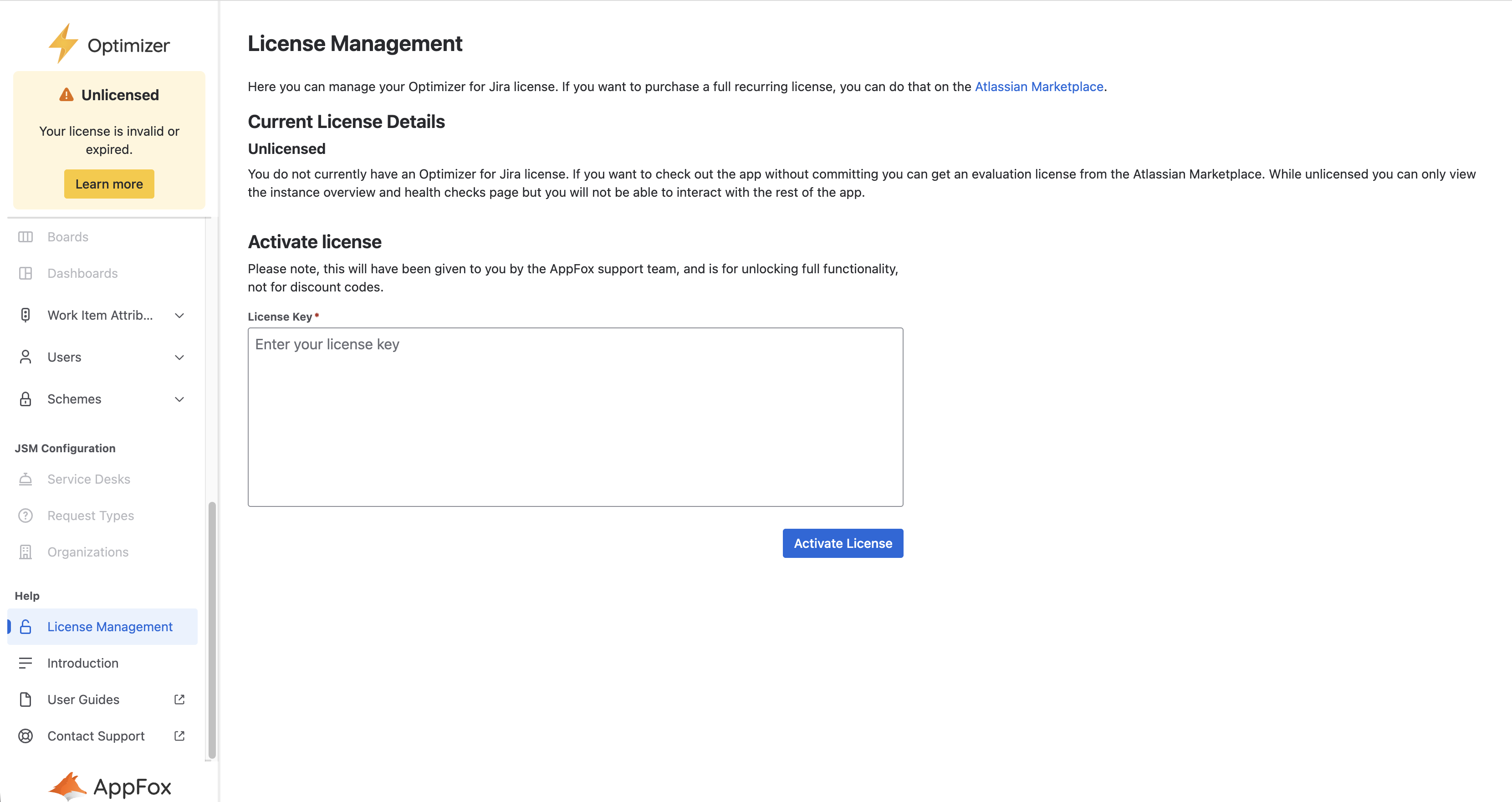
From this page, you can activate a license code given to you by a member of the AppFox support team.
License Comparison
Evaluation
Whilst on an evaluation license, some limits are placed on the number of items you can include in a bulk edit or config merge operation. The limits are as follows:
-
At most 10 bulk actions at any given time
-
At most 20 items in any given config merge
If you need to exceed these limits while evaluating Optimizer, you should contact the AppFox support team.
Standard vs Advanced
Optimizer offers two tiers of license, standard and advanced. The advanced edition offers the following additional features:
-
Support for JSM objects (request types, SLAs, agent licenses, service desks, etc.) including custom health checks and smart tables
-
Unlimited health check history (not limited to one month as in Standard), and export to CSV and PDF