-20250819-084018.svg)
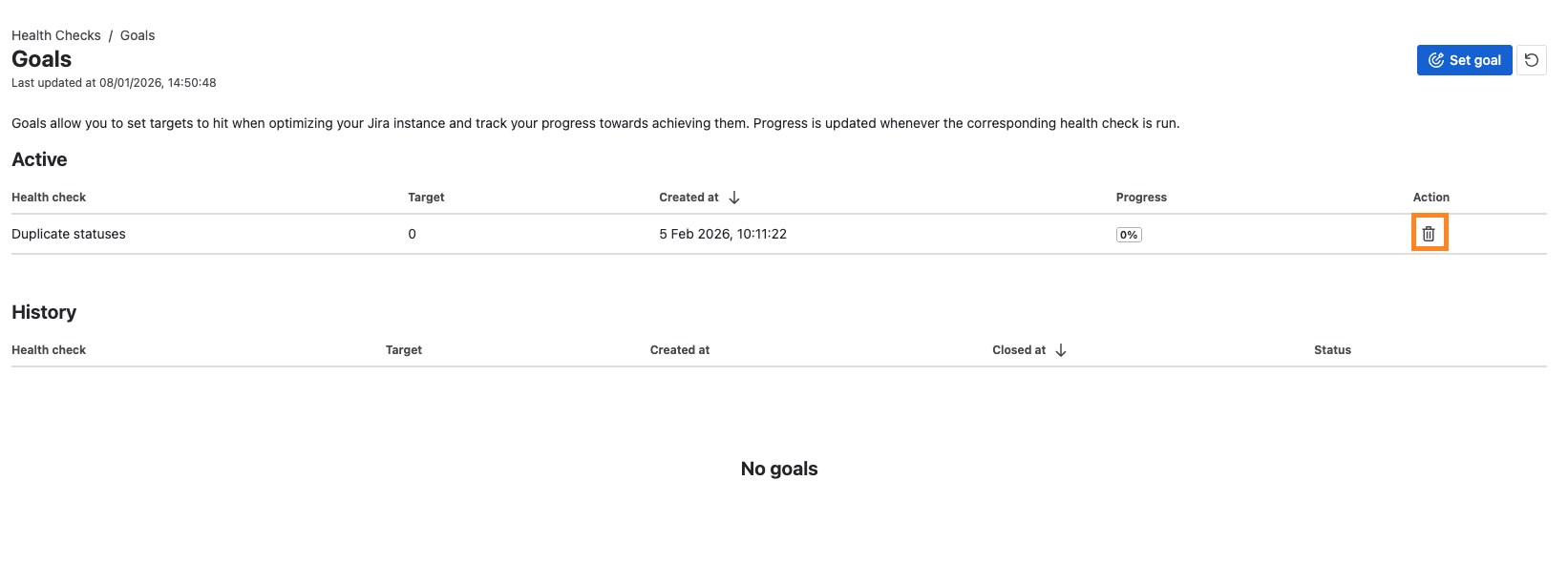
Goals allow you to set targets and track your progress towards achieving those targets. You can set a goal for any health check’s total warnings or failures to be reduced to a given number.
Accessing goals
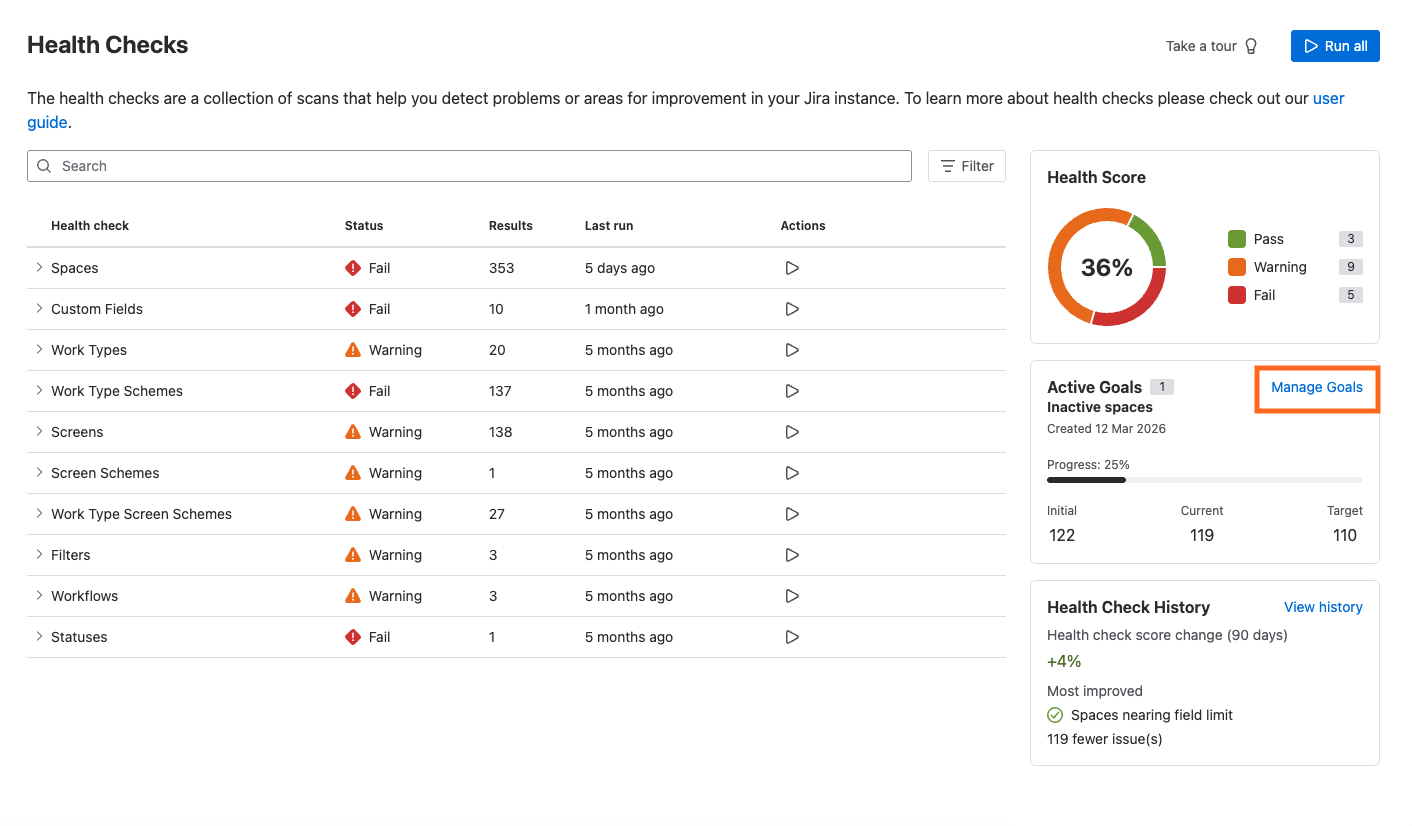
To access the goals page, navigate to the Health Checks page and click the ‘Manage goals’ button.
Setting a goal
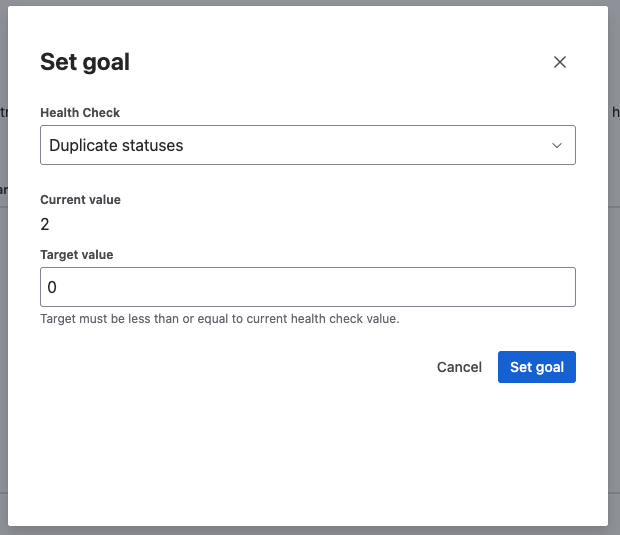
To set a goal, on the Goals page click the ‘Set goal’ button. This will open a modal where you can select a health check and a target number of warnings or failures for that health check.
To set a goal, you must have run the relevant health check at least once.

Completing a goal
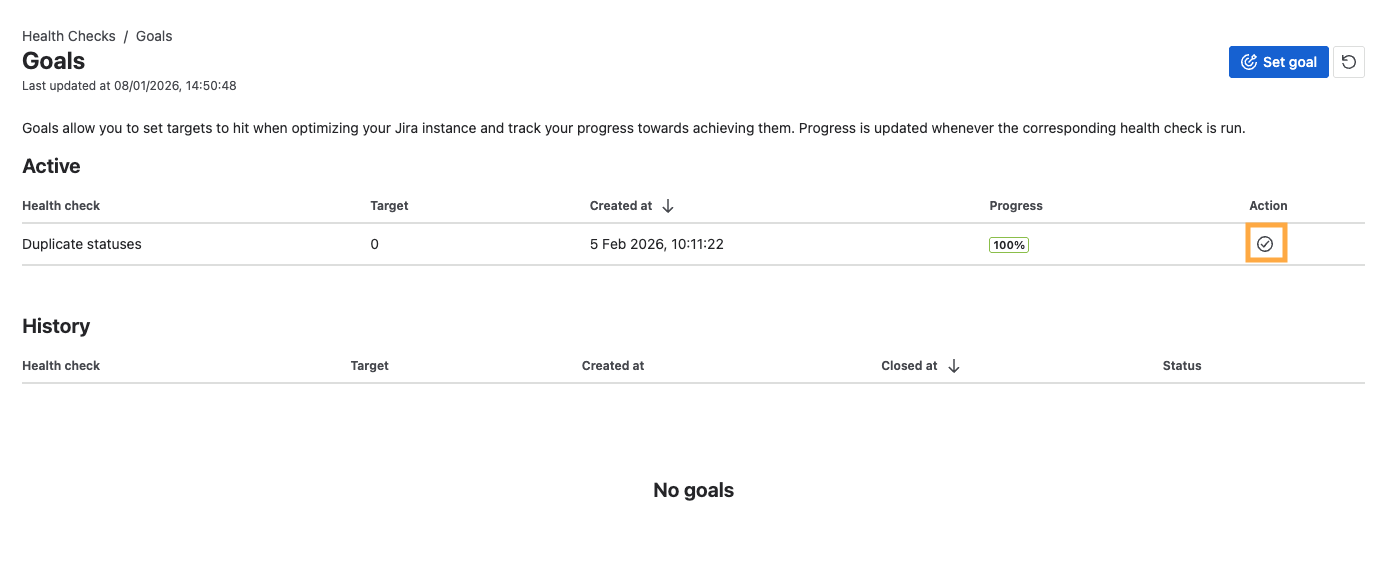
Once you’ve hit or exceeded the goal you set, you can mark the goal as compete. To do this, click on the check icon to the right of the goal on the ‘Active goals’ table.
Cancelling a goal
If you’ve yet to complete a goal but no longer wish to track it, you can cancel that goal. To do this, click on the cancel icon to the right of the goal on the ‘Active goals’ table.