-20250819-084018.svg)
Like any workflow step, when a branching step is reached, the name of the step will be displayed in the Confluence page byline. Clicking this opens the byline popup, where you can select one of multiple available branches to transition along.
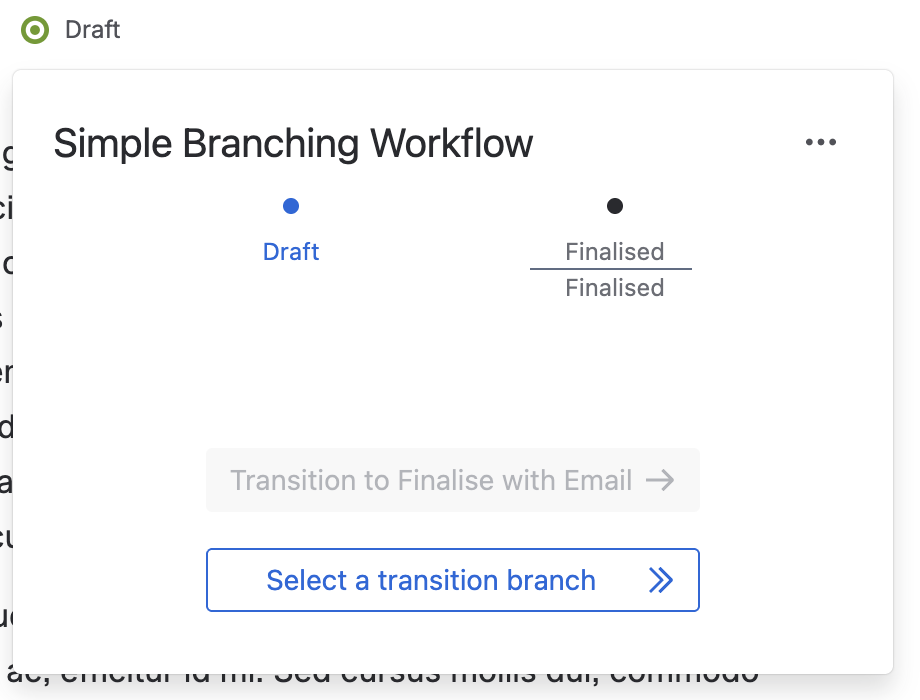
In the screenshot below, we have a Branching step with the name of ‘Draft’. There is a default branch of ‘Finalise with Email’ highlighted, with other branches available via ‘Select a transition branch’.
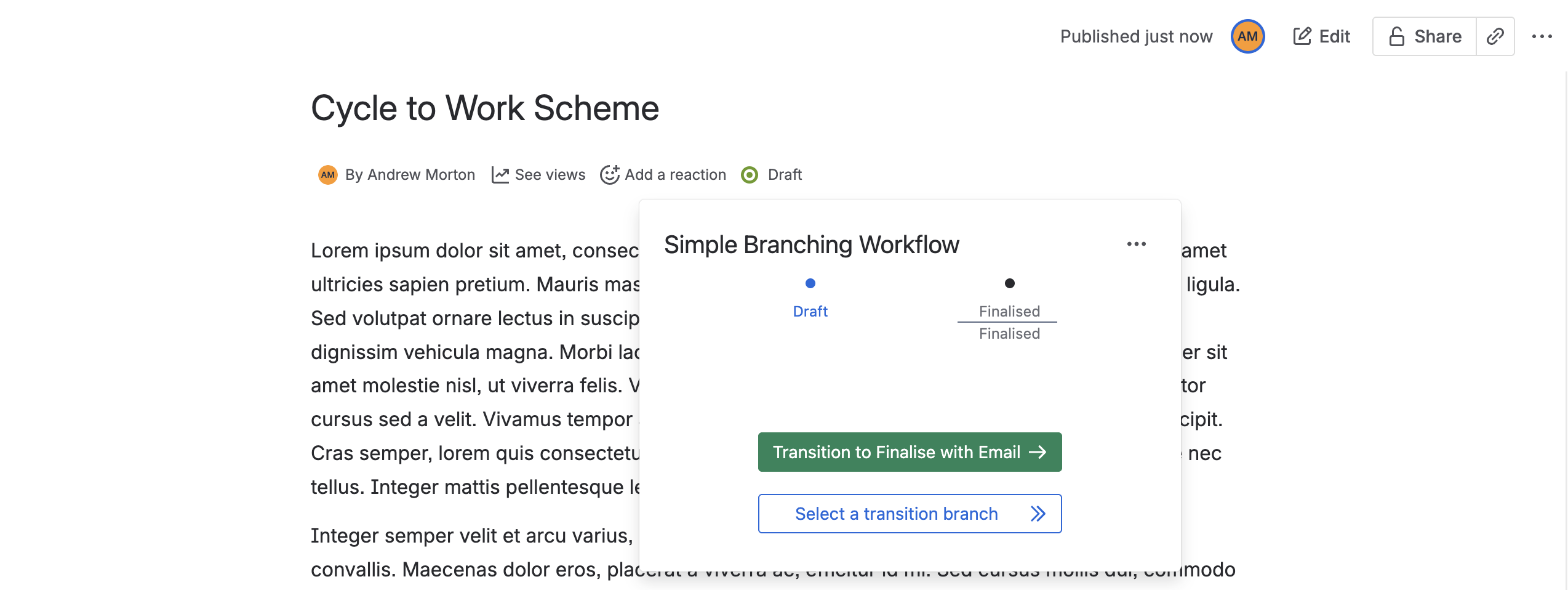
If a default branch has been set, it will be displayed separately from other branches via the green transition button. Clicking this will immediately transition the workflow via the default branch.
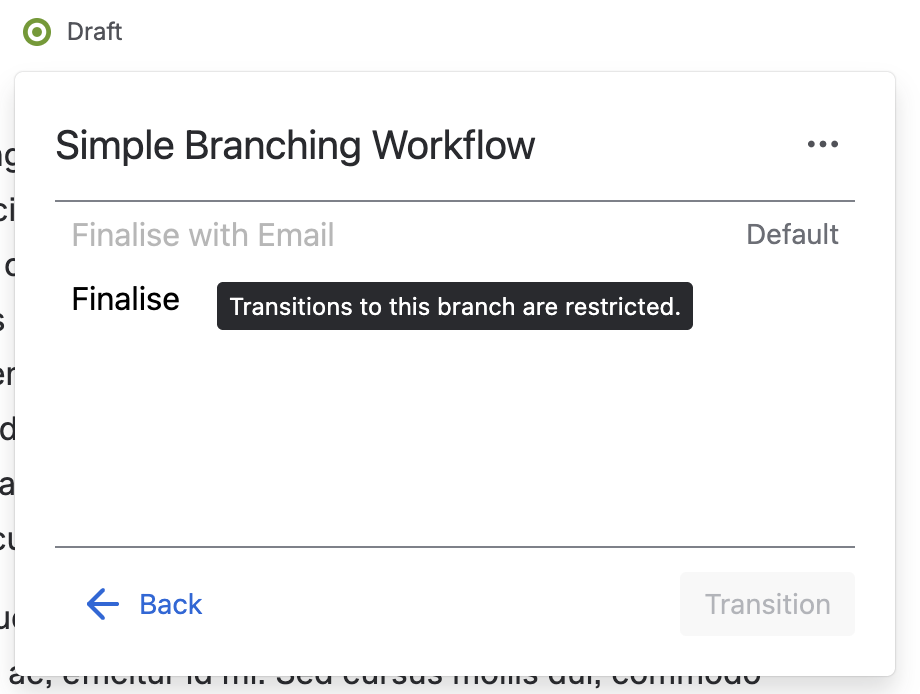
If no default branch is set – or if a different branch is required – ‘Select a transition branch’ can be clicked to display a list of all available branches.
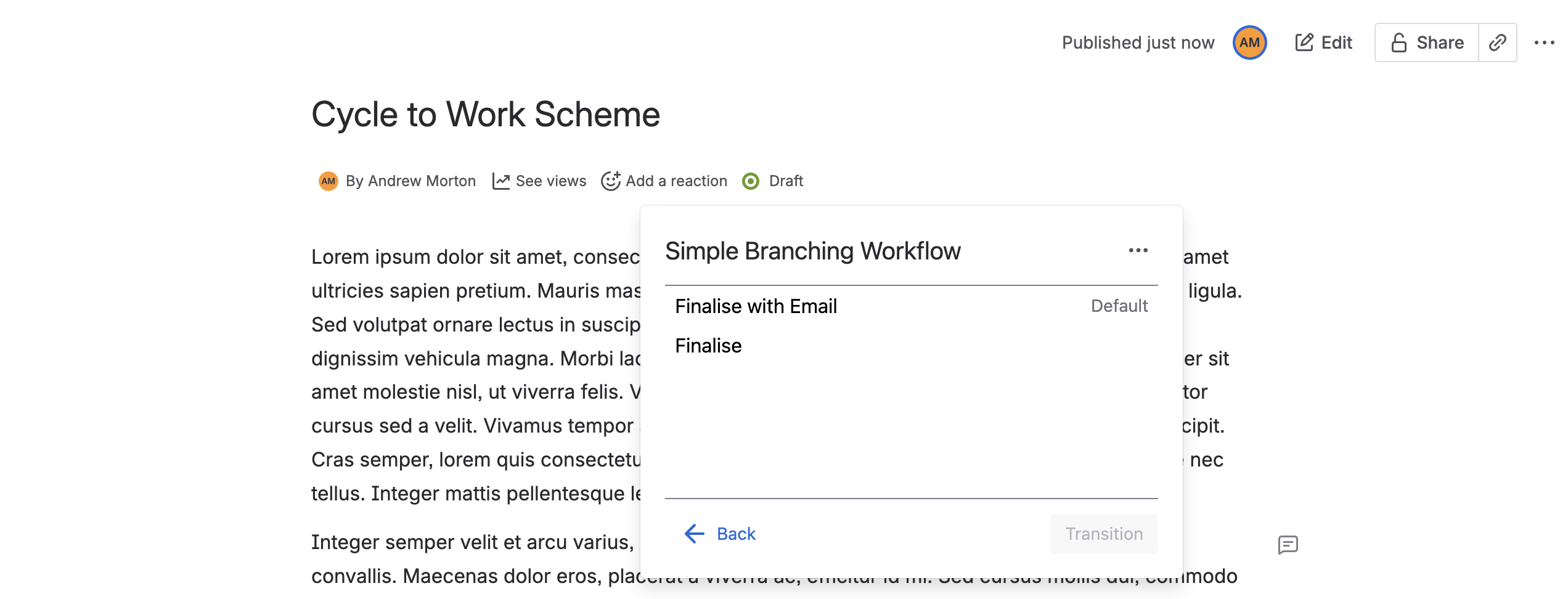
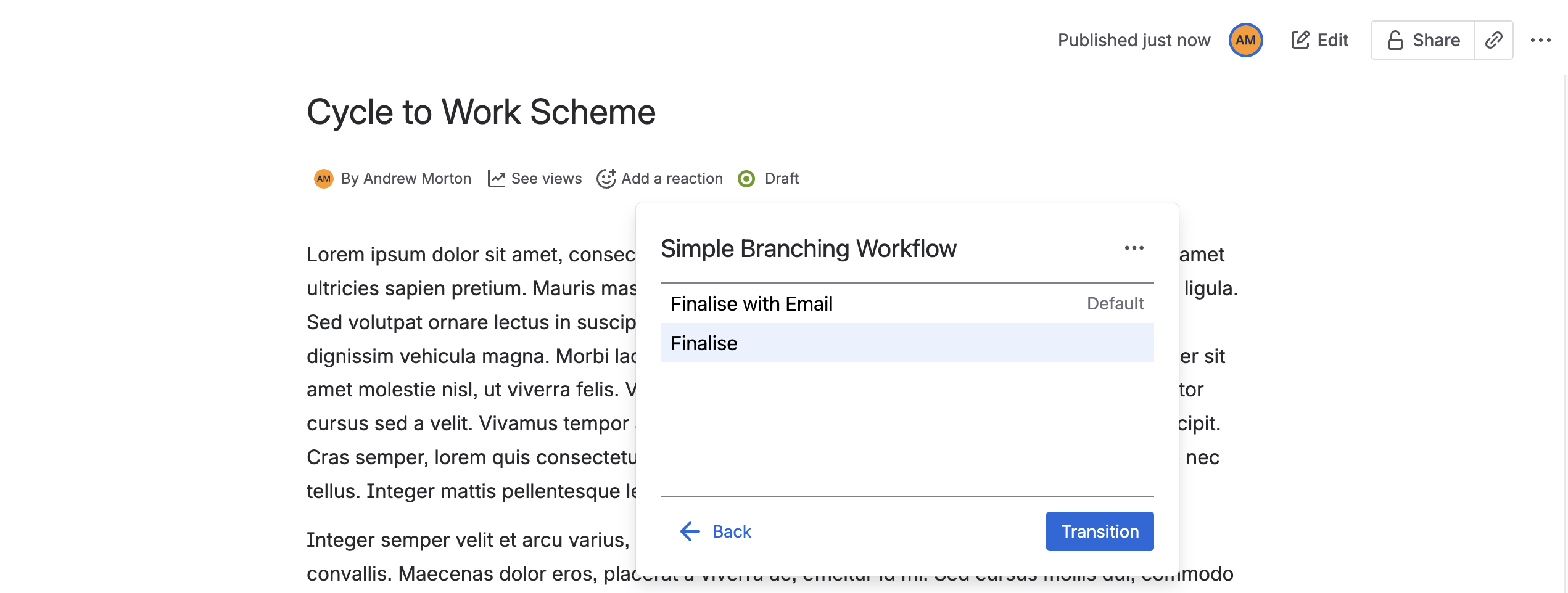
From here, you can select a branch and click ‘Transition’ to move along that branch.
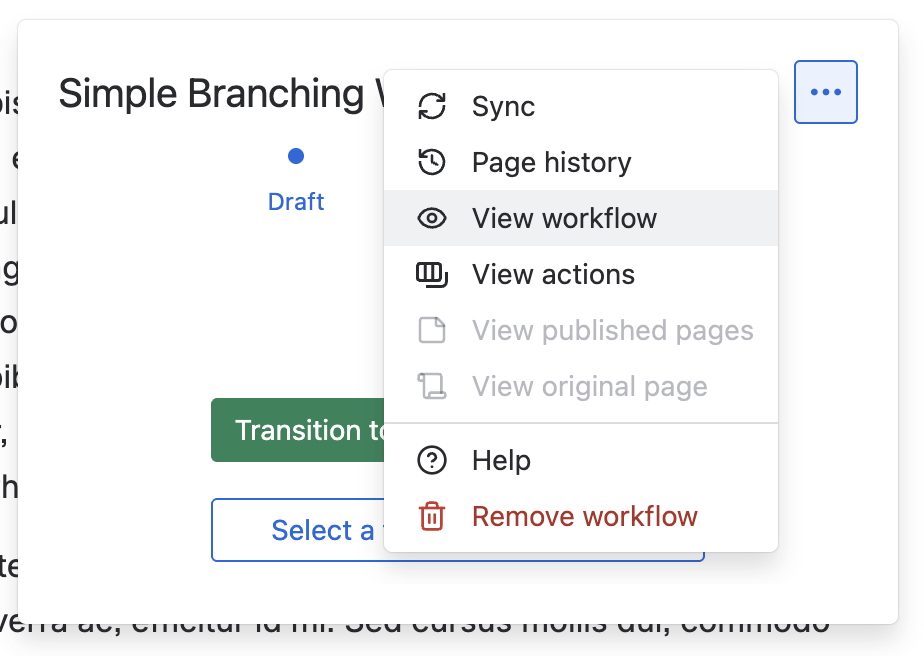
Any actions on a branch will be executed as the workflow proceeds to the next workflow step. If you would like to see ahead of time which actions may be executed, you can use the ‘View workflow’ feature.
Restricted Transitions
The creator of a workflow can restrict transitions to only certain users or groups.
Branching steps can be configured to restrict transitions across any and all branches. If you do not have permission to transition via any of the available branches, then you will be blocked from progressing the workflow completely, as intended.
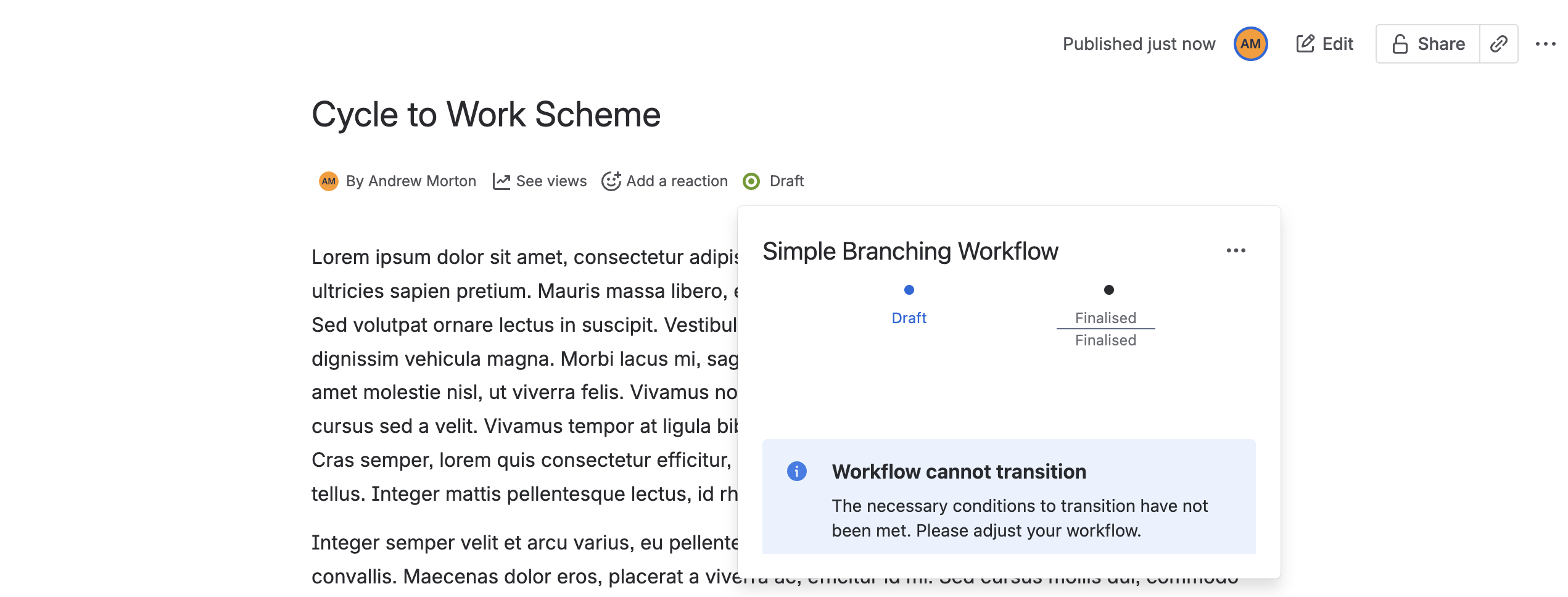
Alternatively, transitions can be restricted differently for different branches. In this case, you may only be able to transition to some branches. Any branches you do not have permission to transition along will be disabled to you.
Need support? We’re here to help 🧡
If you have any questions or would like to speak with us about Workflows, please don’t hesitate to reach out to our Customer Support team.
Looking to get started with official versioning in Confluence?
You can begin your 30-day free trial of Workflows for Confluence on the Atlassian Marketplace here.