-20250819-084018.svg)
Space admins can configure which users can create or edit page approvals within Confluence spaces. If you would like to set up specific permissions at a space level, follow the steps below:
-
Access Space settings and then navigate to Integrations > Approvals
-
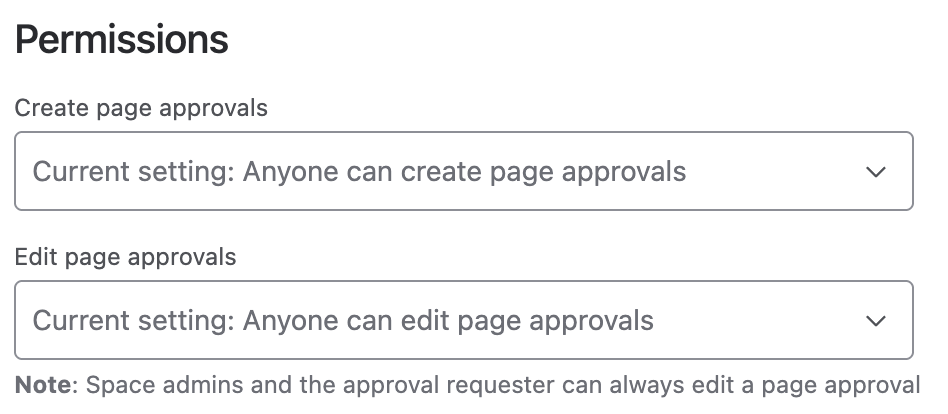
Under Permissions, you can view and change any permissions that are configured for the space
Note: Page Approval Permissions can only be configured by a Space Admin.
There are 2 separate permissions that you can configure:
-
Create page approvals
-
When set, only users belonging to the configured groups can add page approvals within the space
-
This also determines who can resubmit: the approval requester, space admins, and users meeting this permission can resubmit a page approval
-
-
Edit page approvals
-
This determines who can edit the settings of an existing page approval in the space
-
No matter what this is set to, the user who added a page approval and space admins can always edit it
-
Need support? We’re here to help 🧡
If you have any questions or would like to speak with us about Approvals for Confluence, please reach out to our Customer Support team.