-20250819-084018.svg)
Once you have navigated to the Approval Search, you can begin filtering your results to find the specific approval you are looking for.
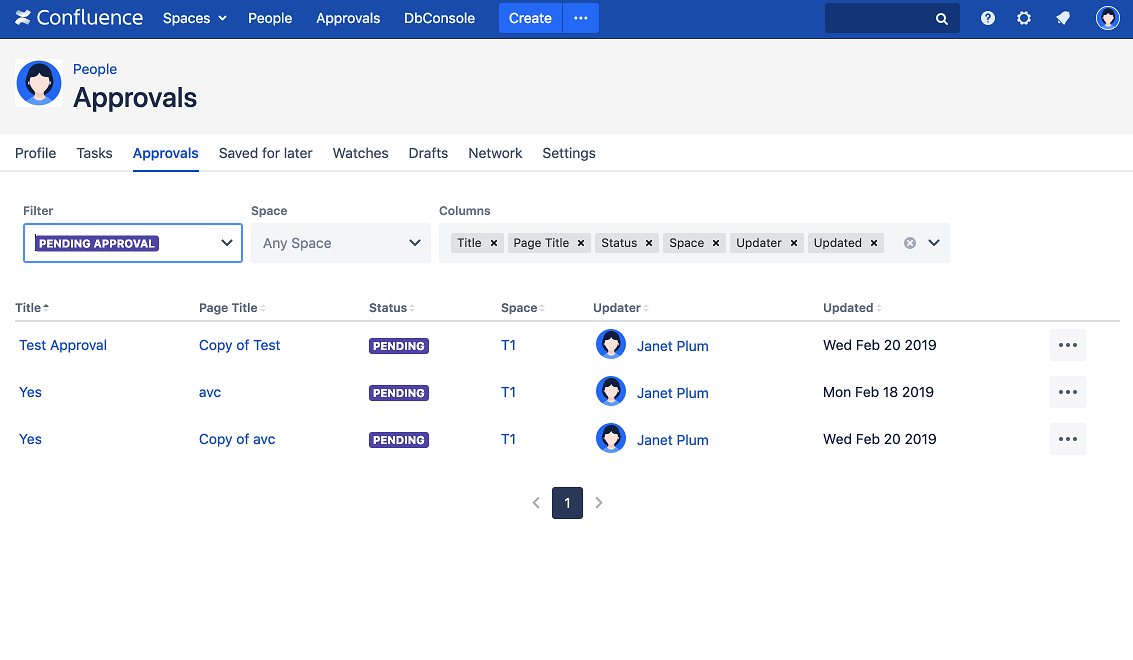
You can use a range of different options to filter and sort your approvals (e.g show all Approvals, show pending approvals). We’ll go into this in more detail below.
-
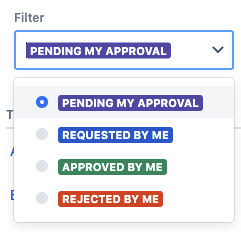
Filter on Status:
-
Show my Pending Approvals
-
Show Approvals I have asked for
-
Show my previously Rejected Approvals
-
Show my previously Approved Approvals
-
-
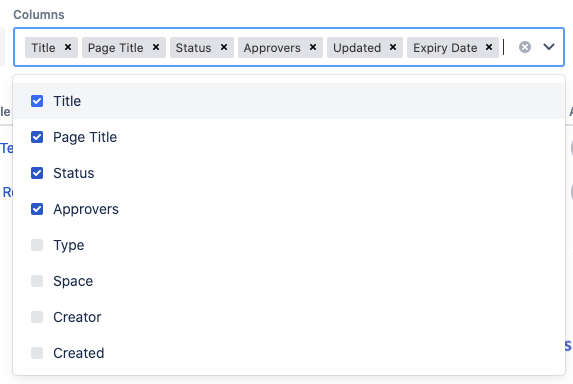
Columns (Show/Hide and Sort):
-
Approval Title
-
Page Title
-
Overall Approval Status
-
Space
-
Updator
-
Update Date
-
Creator
-
Created Date
-
Page Version
-
Type (Macro or Page Approval)
-
-
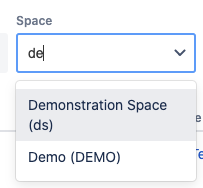
Filter by Space
-
Interactive Search
-