-20250819-084018.svg)
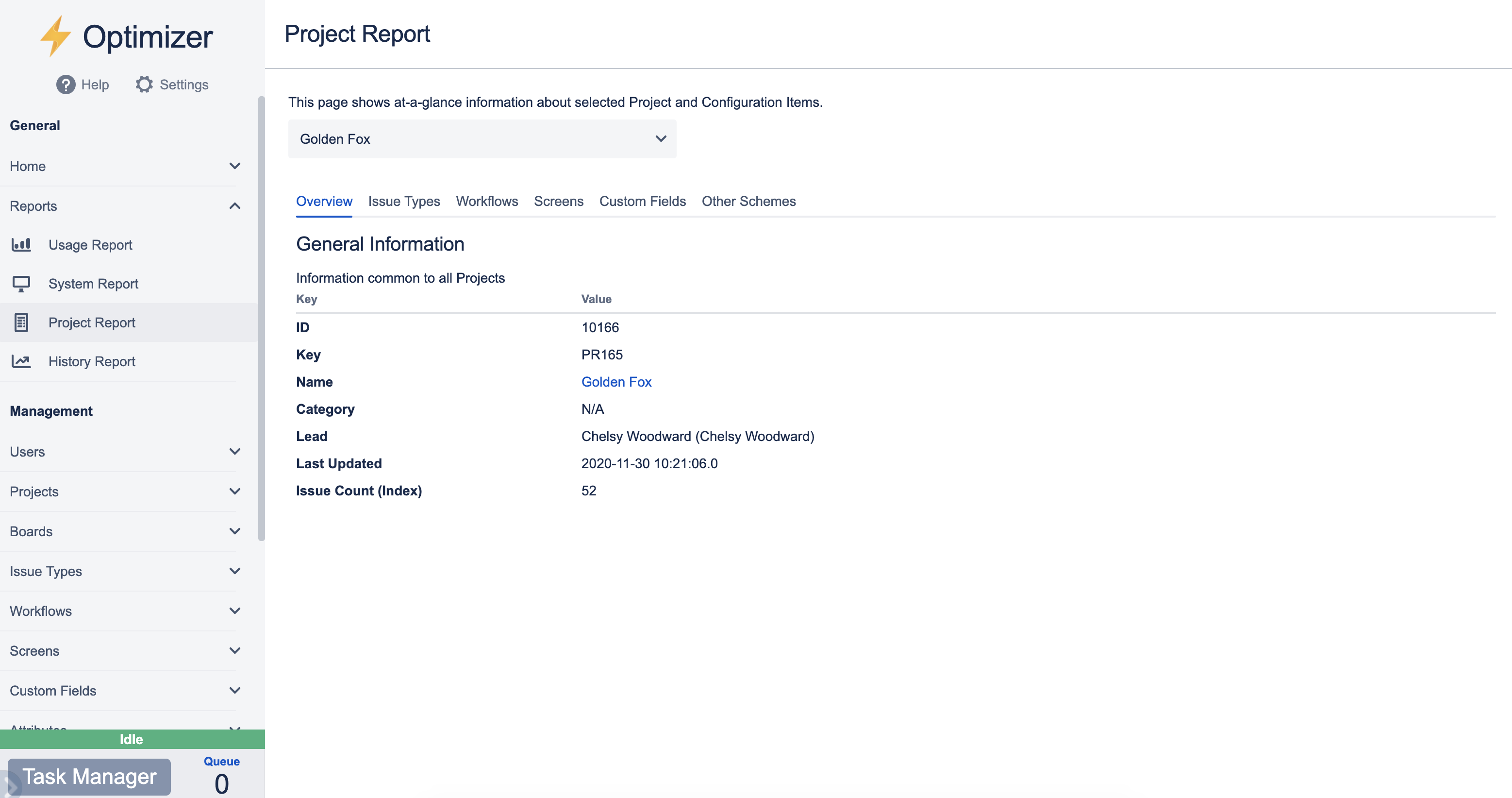
The Project Report lets you select a project and view many in-depth details about that project. There are several sets of information available:
-
Overview - general details about the project, such as ID, name, and issue count
-
Issue Types - the Issue Types, Issue Type Scheme, and Issue Type Screen Scheme associated with the project
-
Workflows - the Workflows and Workflow Scheme used by the project
-
Screens - the Screens and Screen Schemes associated with the project
-
Custom Fields - the Custom Fields shown in the project
-
Other Schemes - the Notification, Permission, and Issue Security Schemes assigned to the project
Exporting
The Project Report can be exported in either Text or PDF format.
You can find more information about exporting reports here.